Contents
- Index
Reports
The following report can be selected from the Reports Menu.
Interred Report
When you select Reports/Interred you will be given an option window to select the order of printing:
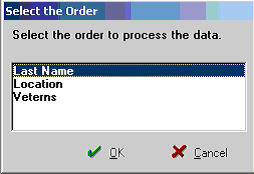
Fig. 23
Last Name: Print the report in Last Name order
Location: Print the report in order by Section, Lot, Space
Veterans: Print the report in veterans order
After selecting the report order, you will see:
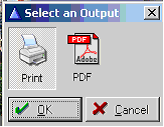
Fig. 24
To print to the printer, select 'Print'. To create a PDF file of the report, select PDF.
Here is a sample of the report:
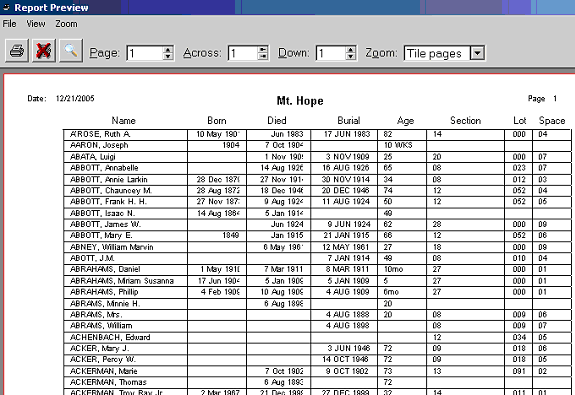
Fig. 25