Contents
- Index
Software Installation
The installation program is supplied on a CD. Insert the CD into your CD drive and then run the install program is called GenWeb Install.exe.
Accept the defaults until you see the following screen.
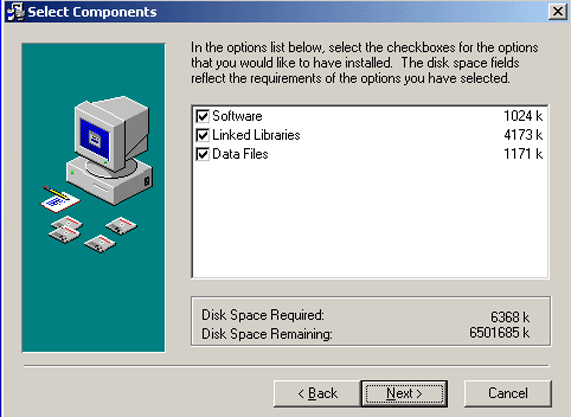
Fig. 1
If this is an initial installation, check the Software, Linked Libraries, Data Files check boxes and press Next and accept the defaults presented. When the installation is finished, you will have an icon on your desktop labeled Cemetery DataSource.