Contents
- Index
Changing Web Colors
The Header and Greenbar background and foreground colors are found at Files/Web Publishing/Web Colors.
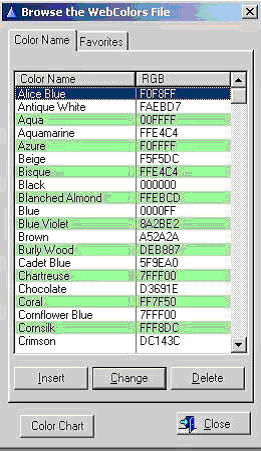
Fig. 15
The web colors are defined using the RGB ( Red, Green, Blue ) values. This listing contains 140 pre-entered values most commonly used. You can create your own custom colors by selecting 'Insert'.
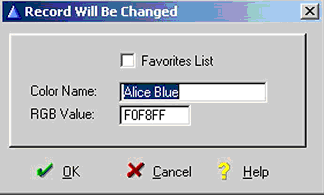
Fig. 16
Enter a Color Name and RGB value. If you want this color to be included in your list of Favorite Colors, check the check box. Only colors that have the Favorites List checked will appear when selecting Greenbar and Header colors on the Web Options screen. After entering the above information, select OK.
If you click the Color Chart button you will see a scrolling list of all the 140 colors in the standard list:
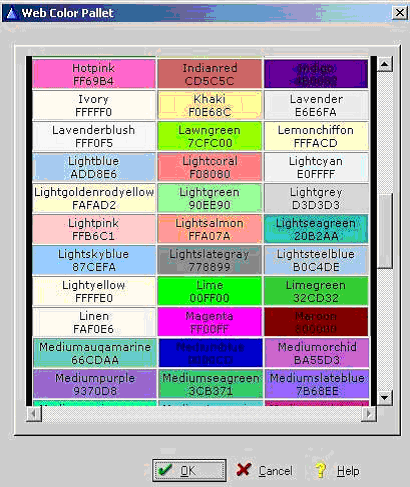
Fig. 17